Tutorials
Practical, screenshot-by-screenshot walkthroughs for the SVGA DIY editor.
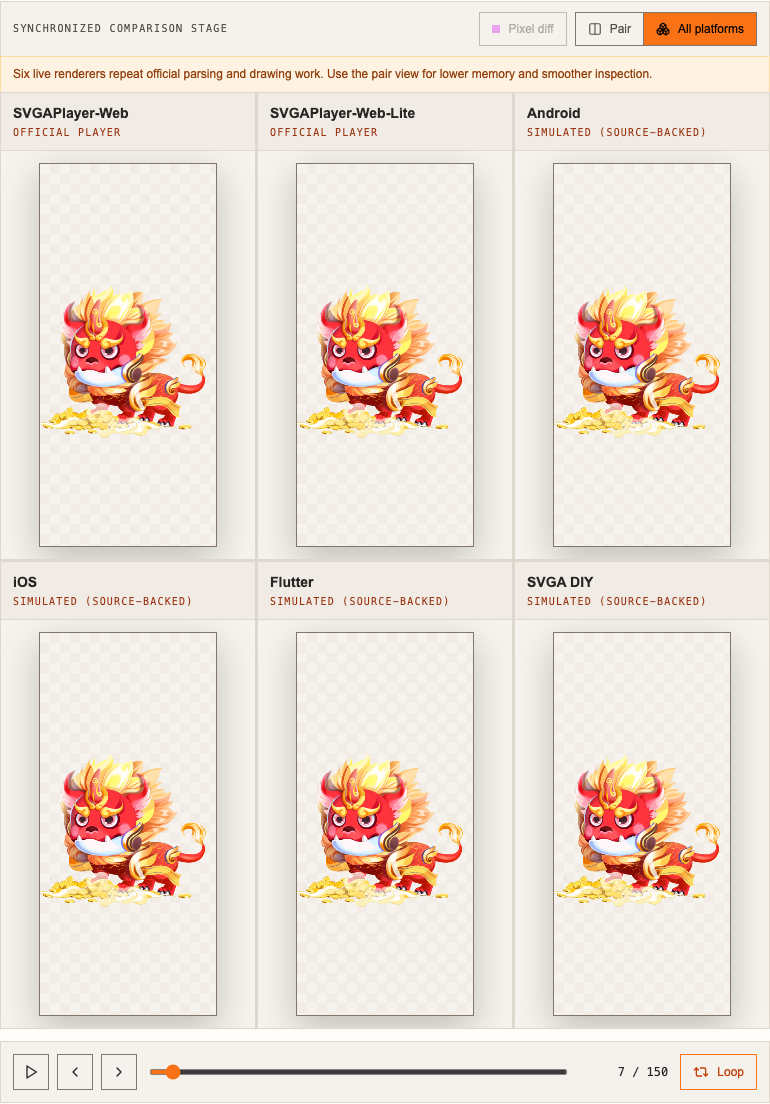
SVGA Preview: How to Compare an SVGA File Across Every Platform
Take a complete tour of SVGA Preview — compare every player at once and catch cross-platform rendering bugs before they ship.
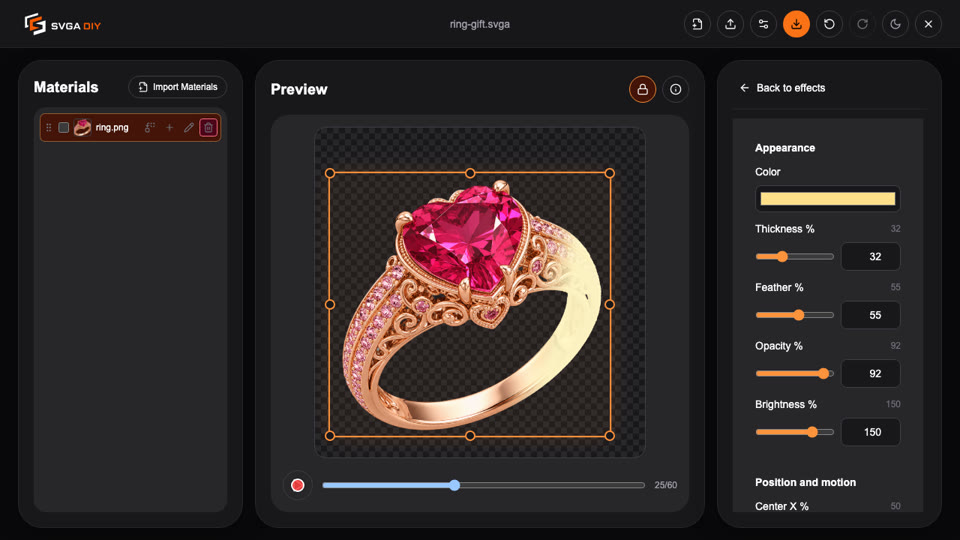
How to Animate a Static Image on a Figure-Eight Path
Turn a flat PNG into a looping gift animation that travels a figure-eight path — Float plus Sway at a 2:1 timing ratio, finished with a Sweep highlight.
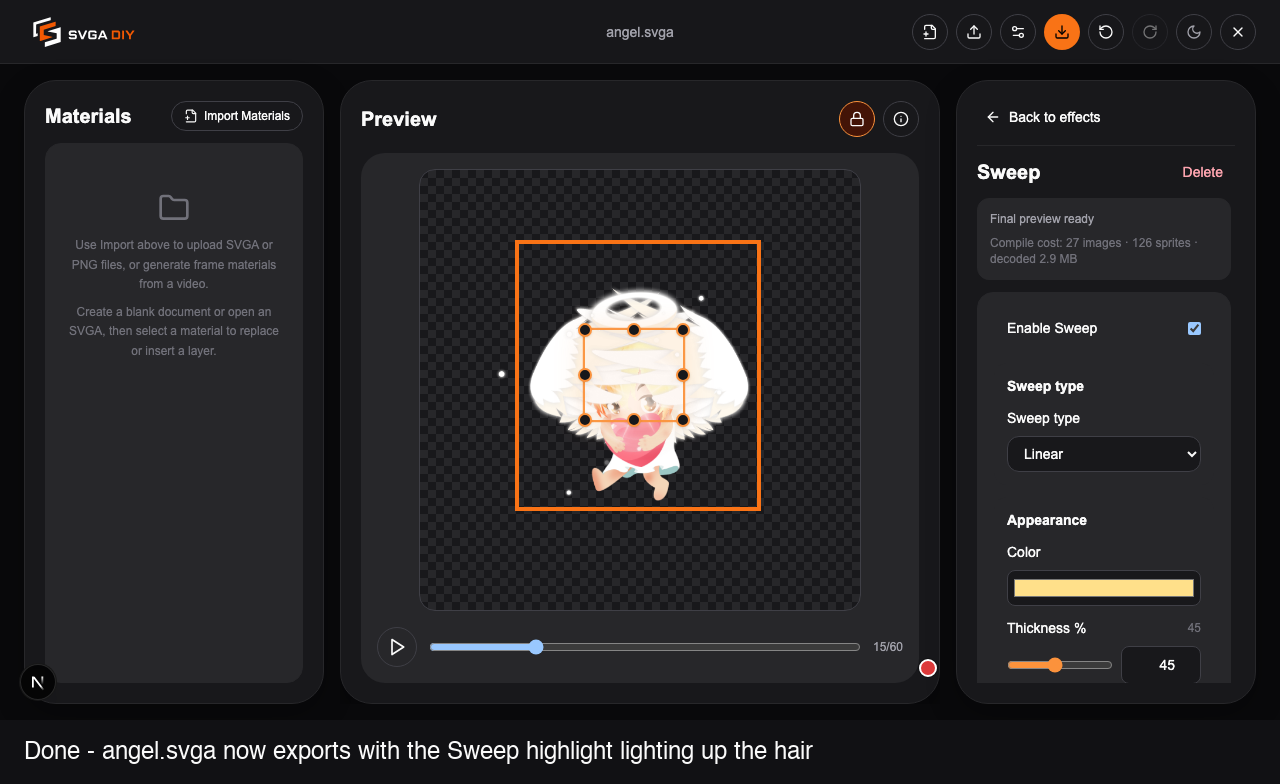
How to Add a Sweep (Light Shine) Effect to a Layer
Switch to Dark mode, add a Sweep effect to a layer, tune it, and watch the highlight travel across it.
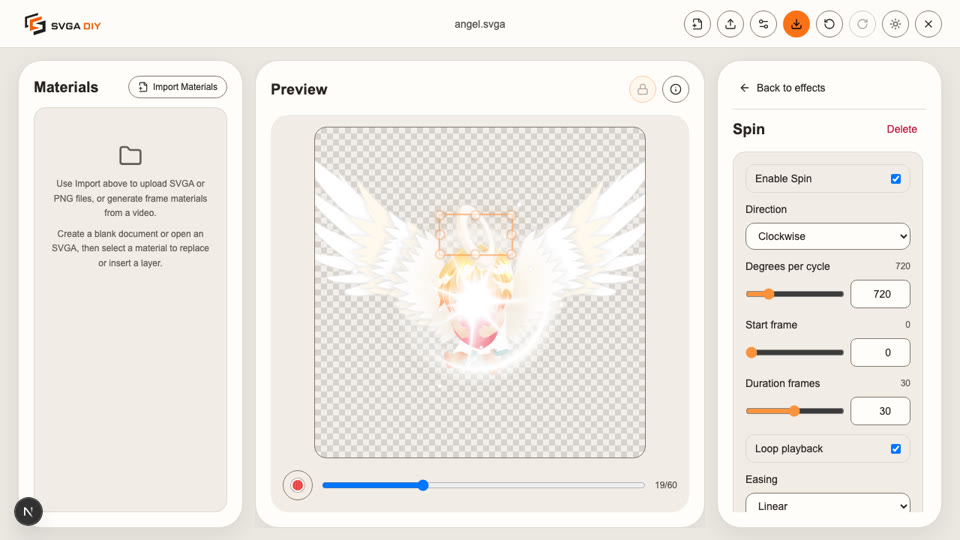
How to Add a Basic Animation Effect to a Layer
Pick a layer, add a Spin effect, tune it, and watch it animate — start to finish in the browser.
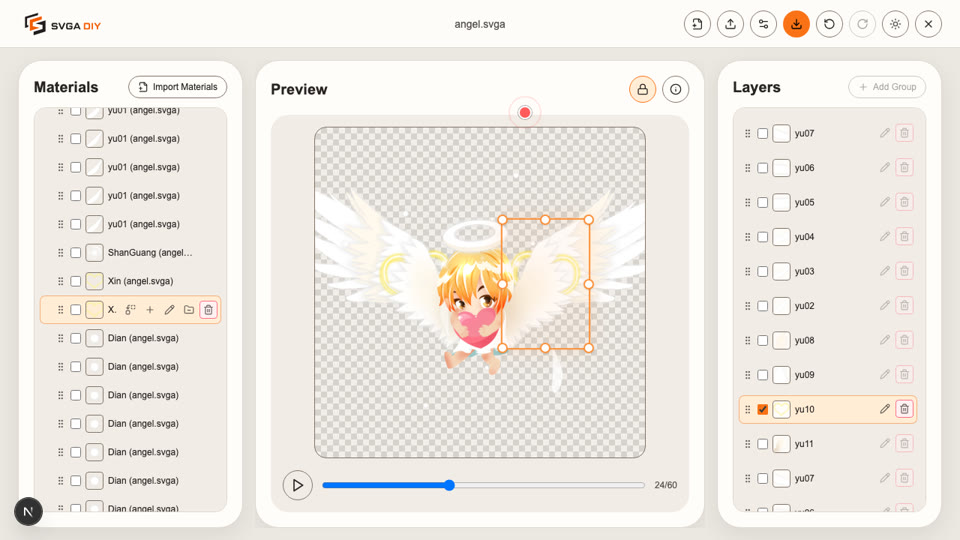
How to Replace a Layer in an SVGA File
Open an SVGA file, import a replacement material, and swap out a layer — start to finish in the browser.